
Designing for Everyone with Inclusive Web Design
Designing for Everyone with Inclusive Web Design
The Business and Social Impact of Accessible Web Design
When we talk about accessible web design, we are talking about more than just a checklist of technical fixes. We are talking about human beings. According to Scientific research on disability and health from the World Health Organization, over 1 billion people live with some form of disability. That is 15% of the world’s population. In the United States alone, about 1 in 4 adults lives with a disability.
From a business perspective, ignoring this demographic is like closing your front door to 25% of your customers. By prioritizing inclusive design, we help you tap into a massive market reach that your competitors might be overlooking. But the benefits do not stop at market share. There is a powerful connection between accessibility and search engine optimization (SEO).
Search engines and screen readers actually look for many of the same things. For example, providing clear alt text for images helps a visually impaired user understand your content, but it also tells Google exactly what that image represents. Using a logical heading hierarchy makes your page easier to navigate for someone using a keyboard, and it helps search engines understand your content structure.
Beyond the technical perks, building an accessible site boosts your brand reputation. It shows that your company values social inclusion and digital equity. Conversely, failing to address these needs can lead to significant friction. We often see 5 Common Accessibility Issues on Small Business Websites (and How to Fix Them) that frustrate users and drive them away to more inclusive competitors.
Legal Requirements and ADA Compliance Standards
The legal landscape for the web has shifted dramatically over the last few years. In the United States, the Americans with Disabilities Act (ADA) is the primary driver of digital inclusion. While the ADA was originally written for physical spaces, the Department of Justice (DOJ) has consistently maintained since 1996 that it applies to web content as well.
There are two main sections of the ADA that businesses need to understand:
- Title II: Applies to state and local government entities.
- Title III: Applies to “public accommodations,” which includes most private businesses that offer goods or services to the public.
In April 2024, a new ADA Title II rule was finalized, specifically requiring state and local government websites and mobile apps to follow WCAG 2.1 Level AA standards. While Title III does not yet have a codified technical standard in the same way, courts almost universally point to the Web Content Accessibility Guidelines (WCAG) as the “gold standard” for compliance.
For federal agencies and their contractors, the Section 508 Standards are the law of the land. These standards were refreshed to align closely with WCAG 2.0 Level AA.
When we perform audits, we look at different levels of conformance:
- Level A: The most basic accessibility features.
- Level AA: The standard most businesses aim for to satisfy legal requirements.
- Level AAA: The highest, most specialized level of accessibility.
If you are confused about which level your business needs to hit, you can read our breakdown in The Great Debate: WCAG AA vs. AAA Explained.
ADA Compliance Comparison Table
| Feature | ADA Title II | ADA Title III |
|---|---|---|
| Applicability | State and local governments | Businesses open to the public |
| Standard | WCAG 2.1 Level AA (Mandated) | WCAG (Recommended/De Facto) |
| Enforcement | Department of Justice | Private Lawsuits and DOJ |
| Goal | Equal access to government services | Equal access to goods and services |
Core Principles for Implementing Inclusive Features
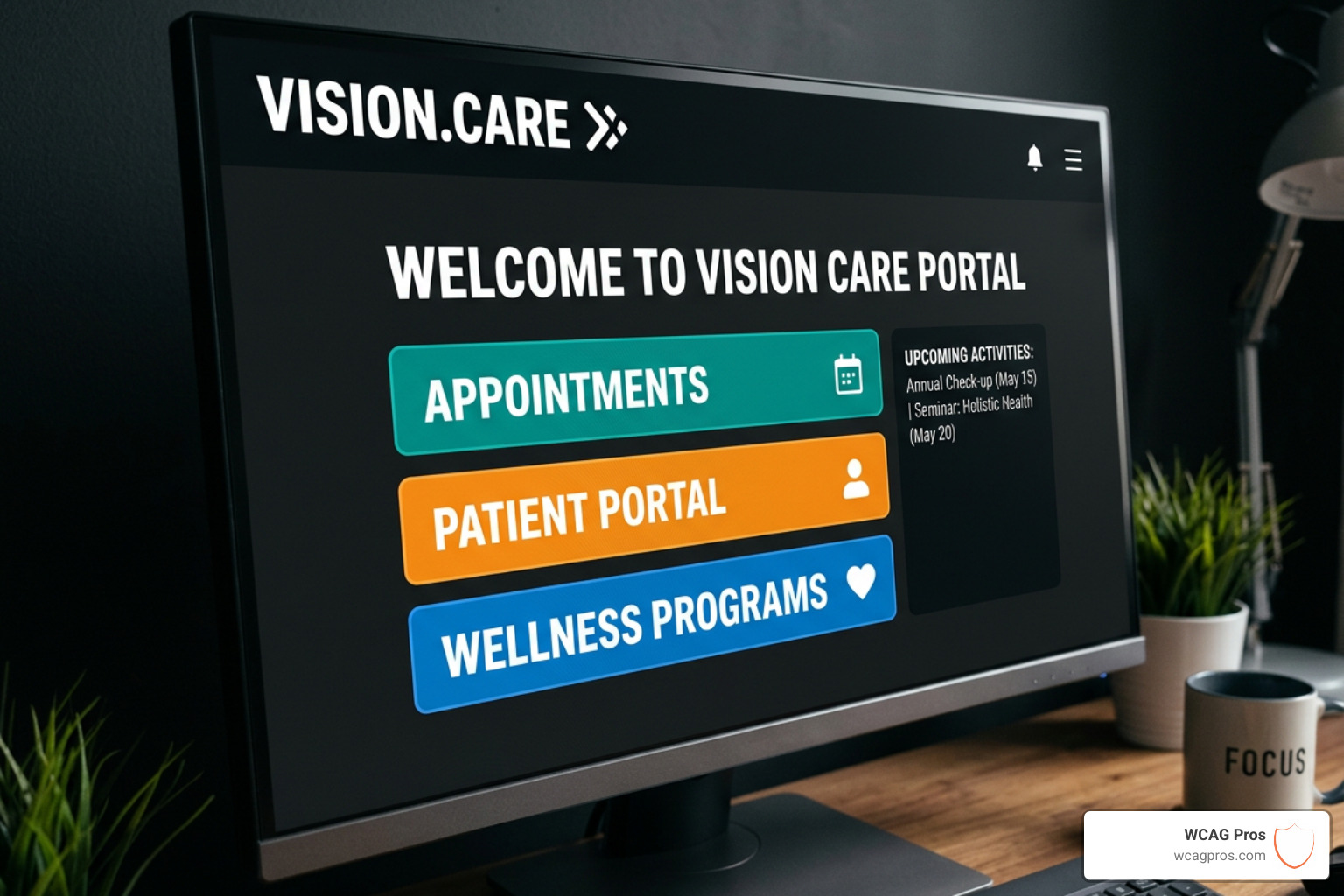
To build a site that truly works for everyone, we follow the POUR principles mentioned in our intro. This approach ensures that the interface is not just “technically” compliant but actually usable. Simple elements like white space and typography play a massive role here.
For instance, many people with cognitive disabilities or dyslexia find it difficult to read crowded text. By increasing white space and using clear, sans-serif fonts, we make the content more legible for everyone. Even touch targets matter. If a button is too small, someone with a motor impairment or even someone using a mobile phone in a shaky environment will struggle to click it.
If you are looking for a starting point, check out these Quick Fixes to Improve Your Website’s Accessibility Today.
Visual Elements in Accessible Web Design
Visuals are often the biggest hurdle in accessible web design. The most fundamental rule is WCAG Guideline 1.1.1: Non-text Content, which requires a text alternative for any non-text content.
- Alt Text: Every meaningful image needs a descriptive “alt” attribute. If a blind user visits your site, their screen reader will read this text aloud.
- Color Contrast: Text must stand out against its background. The standard ratio is 4.5:1 for normal text and 3:1 for large text. You can learn How to Use a Color Contrast Checker to Save Your Design to ensure your brand colors are compliant.
- Decorative Images: Not every image needs a long description. If an image is purely for “vibes” or decoration, it should have an empty alt attribute (alt=””) so screen readers know to skip it. We dive deeper into this in our guide on Mastering the Art of Decorative Alt Text for Web Accessibility.
Navigation and Structure for Accessible Web Design
How a user moves through your site is just as important as what they see. Many users cannot use a mouse and rely entirely on a keyboard or assistive technology.
- Keyboard Accessibility: A user should be able to navigate every link, button, and form field using only the “Tab” key.
- Focus Indicators: Have you ever tabbed through a site and lost track of where you were? That is because the “focus indicator” (the outline around the active element) was hidden. We never hide the focus indicator.
- Skip Links: These allow keyboard users to skip over the long list of navigation links and go straight to the main content.
- Semantic HTML: Using the correct tags (like
,, and) helps assistive technology understand the page layout. - Form Labels: Every form field needs a clear, permanent label. Placeholder text is not a substitute for a label because it disappears when the user starts typing. For complex custom elements, we use ARIA (radio buttons, segmented inputs) to provide extra context to screen readers.
For a deep dive into forms, we recommend WebAim: Creating Accessible Forms.
Testing Methodologies for Digital Compliance

You cannot manage what you do not measure. Testing is the only way to ensure your accessible web design efforts are actually working. We use a combination of three testing methods:
- Automated Audits: Tools can quickly scan your site for “low-hanging fruit” like missing alt text or poor color contrast. However, automated tools only catch about 30% to 40% of issues.
- Manual Testing: This is where our experts get into the code. We check for keyboard traps, logical tab orders, and proper heading structures that machines often miss.
- Assistive Technology Testing: We test your site using actual screen readers like JAWS, NVDA (for Windows), and VoiceOver (for Mac/iOS). This gives us a real-world perspective on how a visually impaired user experiences your site.
For a structured approach, you can use The Ultimate Website Accessibility Testing Checklist for 2026. We also align our processes with the Trusted Tester methodology developed by the Department of Homeland Security, which provides a rigorous framework for accessibility testing.
Frequently Asked Questions about Accessibility
What is the difference between ADA and WCAG?
The ADA is the law that requires accessibility, while WCAG provides the technical instructions on how to achieve it. Think of the ADA as the building code that says you must have a ramp, and WCAG as the blueprint that tells you exactly how steep that ramp can be.
How does accessibility improve SEO rankings?
Accessibility and SEO share many goals. Clean code, descriptive alt text, transcripts for videos, and a clear heading structure all help search engines crawl and index your site more effectively. When your site is easier for a screen reader to “read,” it is usually easier for Google to “read” too.
What are the most common web accessibility barriers?
The most frequent issues we see are:
- Low color contrast between text and background.
- Images missing alt text.
- Empty links or buttons that have no descriptive text.
- Form fields without associated labels.
- Inability to navigate the site using only a keyboard.
Conclusion
At WCAG Pros, we believe that the internet should be a place for everyone. Building an inclusive digital world is not just about avoiding a lawsuit or checking a box for compliance. It is about ensuring that every person, regardless of their physical or cognitive abilities, has equal access to information, services, and opportunities.
From our home base in Norco CA, we help businesses navigate the complexities of accessible web design. Whether you need a comprehensive page-by-page audit of all 54 WCAG points or a roadmap for remediation, we are here to ensure your site is robust, operable, and truly inclusive.
Inclusive design is better design. It creates a cleaner, faster, and more user-friendly experience for every single visitor. If you are ready to make digital equity a priority for your brand, we are ready to help.
Read more website accessibility articles
Get Help With Your Website
We'll follow up with info about:
- The process
- Cost
- Timeline
We promise to respect your privacy, and never abuse the information you provide. We will not sell or rent your information to any third party.
By submitting this form, you consent to receive SMS messages and/or emails from SEM Dynamics LLC, dba WCAG Pros. To unsubscribe, follow the instructions provided in our communications. Msg & data rates may apply for SMS. Your information is secure and will not be sold to third parties.