
How to WCAG Test in 5 Simple Steps
How to WCAG Test in 5 Simple Steps
What Is a WCAG Test and Why Your Website Needs One Now
A WCAG test is a structured evaluation of your website to check whether it meets the Web Content Accessibility Guidelines, the global standard for digital accessibility.
Here is a quick overview of how to WCAG test your site in 5 steps:
- Run an automated WCAG test using tools like WAVE or axe DevTools
- Check color contrast against required ratios (4.5:1 for normal text, 3:1 for large text)
- Test keyboard navigation and screen reader compatibility manually
- Evaluate multimedia and documents for alt text, captions, and transcripts
- Document findings and plan remediation using an audit report or VPAT
If you skip this process, the risks are real. ADA lawsuits targeting inaccessible websites are rising fast. In Canada, failing to comply with AODA can cost corporations up to $100,000 per day. In Europe, private websites must meet accessibility standards under the European Accessibility Act by June 28, 2025.
The good news: WCAG testing is learnable, and you do not need to be a developer to get started.
Accessibility also affects far more people than most business owners realize. Situational and temporary disabilities mean that every single user encounters accessibility barriers at some point, making this a business issue, not just a compliance checkbox.
I’m Matthew Post, co-founder of WCAG Pros and a web developer with over 20 years of experience conducting WCAG tests and accessibility audits for businesses of all sizes. In this guide, I’ll walk you through exactly how to WCAG test your site in 5 clear, actionable steps.
Understanding WCAG Compliance and Legal Standards
Before we dive into the actual WCAG test steps, we need to understand what we are testing against. WCAG stands for Web Content Accessibility Guidelines. These are the “rules of the road” created by the World Wide Web Consortium (W3C) to ensure the internet is usable for everyone, including people with vision, hearing, motor, or cognitive impairments. You can review the official standards directly through the W3C Web Content Accessibility Guidelines overview.
The Evolution of WCAG: 2.1 and 2.2
The guidelines are not static. They evolve as technology changes. While WCAG 2.0 has been the baseline for years, the current gold standard is WCAG 2.1. In late 2023, WCAG 2.2 was released, adding even more protections for users with low vision and cognitive disabilities. For a deeper dive into these updates, check out Everything You Need to Know About WCAG Versions and Audits.
The Three Levels of Conformance
When you perform a WCAG test, you are aiming for one of three levels. Think of these like difficulty settings in a video game:
- Level A: The bare minimum. Without these, the site is nearly impossible for people with disabilities to use.
- Level AA: The global legal standard. This is the level required by the ADA and Section 508. It balances high accessibility with design flexibility.
- Level AAA: The highest and strictest level. It is often reserved for specialized sites, as it can be very difficult to achieve on every single page.
Comparison of WCAG Levels
| Feature | Level A (Basic) | Level AA (Standard) | Level AAA (Advanced) |
|---|---|---|---|
| Target Audience | Critical barriers | Most users | All users |
| Legal Requirement | Rarely sufficient | The standard for ADA and Section 508 | Optional and enhanced |
| Text Contrast | No specific requirement | 4.5:1 ratio required | 7:1 ratio required |
| Captions | Required for video | Required for live video | Sign language provided |
Global Legal Standards and Fines
In the United States, Section 508 requires federal agencies and their contractors to meet WCAG 2.0 Level AA. In Ontario, Canada, the AODA (Accessibility for Ontarians with Disabilities Act) is even stricter. Fines for non-compliance can reach $50,000 per day for individuals and up to $100,000 per day for corporations. In Europe, the European Accessibility Act (EAA) is set to enforce similar standards for private businesses by mid-2025.
How to Conduct a Comprehensive WCAG test in 5 Steps
Performing a WCAG test might feel like a mountain of work, but it is much easier when you break it down into a repeatable workflow. Whether you are a small business owner in Norco, CA, or a developer for a global brand, these steps will help you identify the most common barriers.
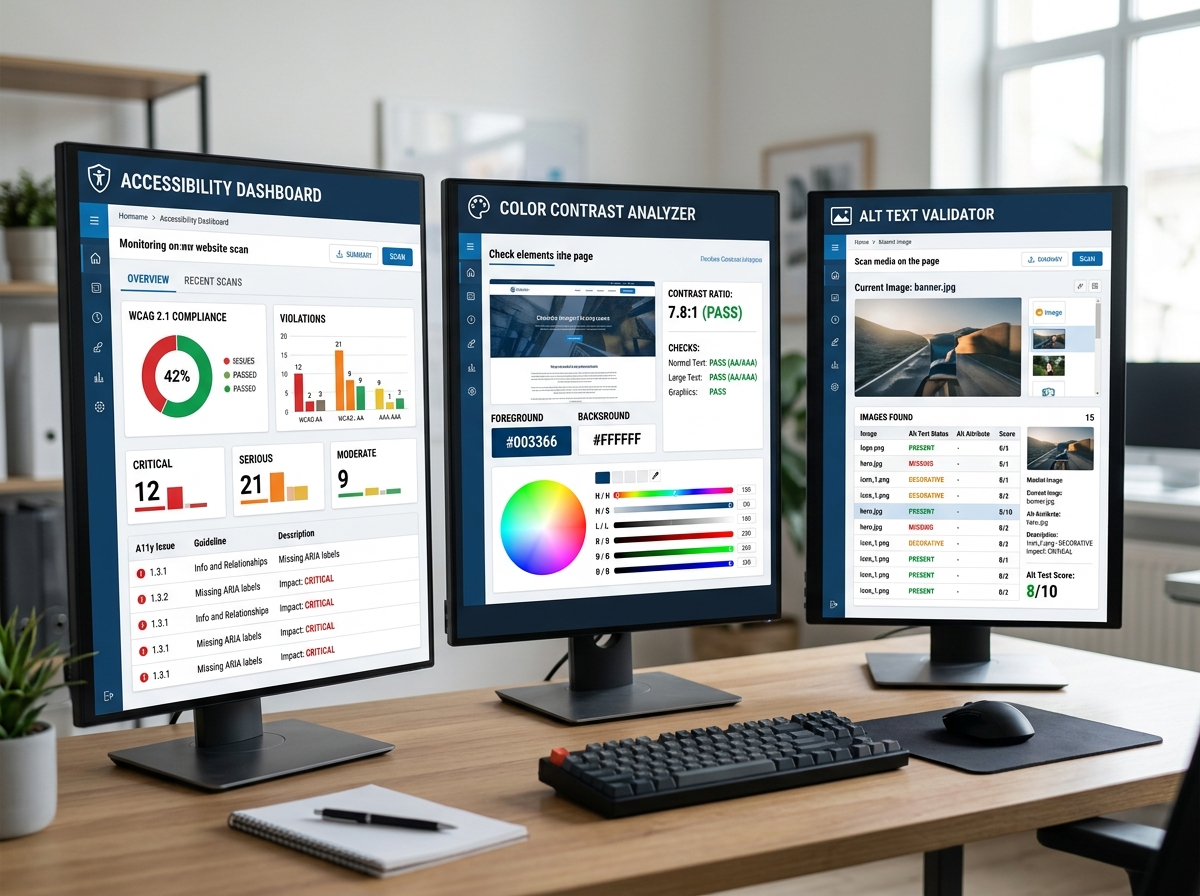
To stay organized throughout this process, we recommend using The Ultimate Website Accessibility Testing Checklist for 2026. If you are managing this for a company, you might also find our Expert Website WCAG Audit Guide for Businesses helpful for long-term planning.
Step 1 Run an Automated WCAG test
The first step in any audit is to pick the “low-hanging fruit” using software. Automated tools are incredibly fast and can scan hundreds of pages in minutes. They are great at finding missing alt text, empty buttons, and broken code structures.
Popular tools include:
- WAVE: A suite of evaluation tools that identifies errors and helps with human evaluation. It is excellent for testing password-protected or dynamic pages through its browser extensions.
- axe DevTools: A favorite among developers that integrates directly into your browser’s inspection panel.
While these tools are powerful, they only catch about 25% to 40% of all possible issues. For more on the pros and cons, read Automated Web Accessibility Testing Made Easy. You can also explore our guide on how to Pick the Best Web Accessibility Evaluation Tool for Your Team or browse The Ultimate List of Free Online Accessibility Checkers.
Step 2 Check Color Contrast and Visual Success Criteria
Color contrast is one of the most common failures found during a WCAG test. If your text is too light against its background, people with low vision or color blindness will not be able to read it. Even people without disabilities struggle with low contrast when they are using a phone in bright sunlight.
The specific ratios you need to hit for Level AA are:
- 4.5:1 for normal text.
- 3:1 for large text (defined as 18pt or 14pt bold).
- 3:1 for user interface components and informational graphics (added in WCAG 2.1).
You can use the WebAIM Contrast Checker to test your hex codes. If you find failures, don’t panic. Many of these are Quick Fixes to Improve Your Website’s Accessibility Today. Simply darkening a gray font or adding a slight shadow can sometimes bring you into compliance.
Step 3 Perform Keyboard Navigation and Screen Reader Audits
This is where manual testing begins. Many users with motor disabilities cannot use a mouse and rely entirely on a keyboard. Others use screen readers, which are software programs that read the content of the screen out loud.
During your WCAG test, try to navigate your site using only the Tab key. Ask yourself:
- Can I see where I am? (This is the “focus indicator,” usually a blue box around a link).
- Is the order logical? (It should move from top to bottom, left to right).
- Can I open and close menus?
- Are there “keyboard traps” where I get stuck and can’t move back?
You should also check for proper ARIA roles. ARIA (Accessible Rich Internet Applications) helps screen readers understand complex elements like sliders or pop-up windows. For a complete roadmap on how to test these elements, see our ADA Site-Wide Audit: Your Roadmap to Total Compliance.
Step 4 Evaluate Multimedia and Document Accessibility
If your website has videos, audio files, or PDFs, they must also pass the WCAG test.
- Alt Text: Every meaningful image needs a text description so a screen reader can explain it to a blind user. Check out Guideline 1.1.1 Non-text Content for the specifics.
- Captions and Transcripts: For videos, you must provide captions for the deaf and hard of hearing. Learn more in our guide on WCAG 1.2.2 Captions (Prerecorded) Explained.
- Documents: PDFs and Word docs are often the forgotten part of accessibility. They must be “tagged” correctly so they are readable by assistive technology.
Step 5 Document Findings and Plan Remediation
Once you have completed your WCAG test, you will likely have a list of errors. The final step is to document these in an audit report. For government-related projects, you might need to create a VPAT (Voluntary Product Accessibility Template).
This document serves as your plan for WCAG Remediation. It helps your developers prioritize fixes based on how much they impact the user. We recommend fixing Level A issues first, followed by Level AA.
Frequently Asked Questions about WCAG Testing
Which WCAG level is required for ADA compliance?
In the eyes of the law, Level AA is the standard. While the ADA does not explicitly mention WCAG in its original text, the Department of Justice and various court rulings have consistently used WCAG 2.1 Level AA as the benchmark for what “accessible” means. If you want to ensure your business stays out of legal trouble, we have a detailed walkthrough on How to Pass Your WCAG 2.1 AA Certification with Flying Colors.
Can I rely solely on an automated wcag test?
The short answer is no. Automated tools are great for catching code errors, but they cannot understand context. For example, a tool can tell you if an image has alt text, but it cannot tell you if that text actually describes the image accurately. Only human evaluation can determine if a site is truly usable. This is why we always recommend a hybrid approach, which we discuss in our Automated Tools Audit article.
What are the penalties for non-compliance?
The financial impact can be devastating. Beyond the AODA fines mentioned earlier (up to $100,000 per day), US businesses face a flood of ADA Title III lawsuits. These often result in high legal fees and settlement costs. Furthermore, Section 508 violations can lead to the loss of federal contracts. Beyond the money, you are also excluding up to 20% of the world’s population who live with a disability, which is simply bad for business.
Conclusion
Conducting a wcag test is more than just a legal necessity. It is a commitment to making the digital world open to everyone. By following these five steps, you can identify major barriers and start the journey toward a more inclusive website.
At WCAG Pros, we specialize in taking the stress out of this process. We provide comprehensive, page-by-page audits covering all 54 WCAG points. Our team doesn’t just give you a list of problems. We provide actual code fixes and free re-audits to ensure you earn your compliance badges. Whether you need a simple check or a full WCAG Audit, we are here to help your business achieve total digital accessibility. Reach out to us today to secure your site and welcome all users.
Read more website accessibility articles
Get Help With Your Website
We'll follow up with info about:
- The process
- Cost
- Timeline
We promise to respect your privacy, and never abuse the information you provide. We will not sell or rent your information to any third party.
By submitting this form, you consent to receive SMS messages and/or emails from SEM Dynamics LLC, dba WCAG Pros. To unsubscribe, follow the instructions provided in our communications. Msg & data rates may apply for SMS. Your information is secure and will not be sold to third parties.