
How to Master W3C Web Accessibility Guidelines Without Breaking a Sweat
How to Master W3C Web Accessibility Guidelines Without Breaking a Sweat
Why W3C Web Accessibility Guidelines Are Essential for Your Business
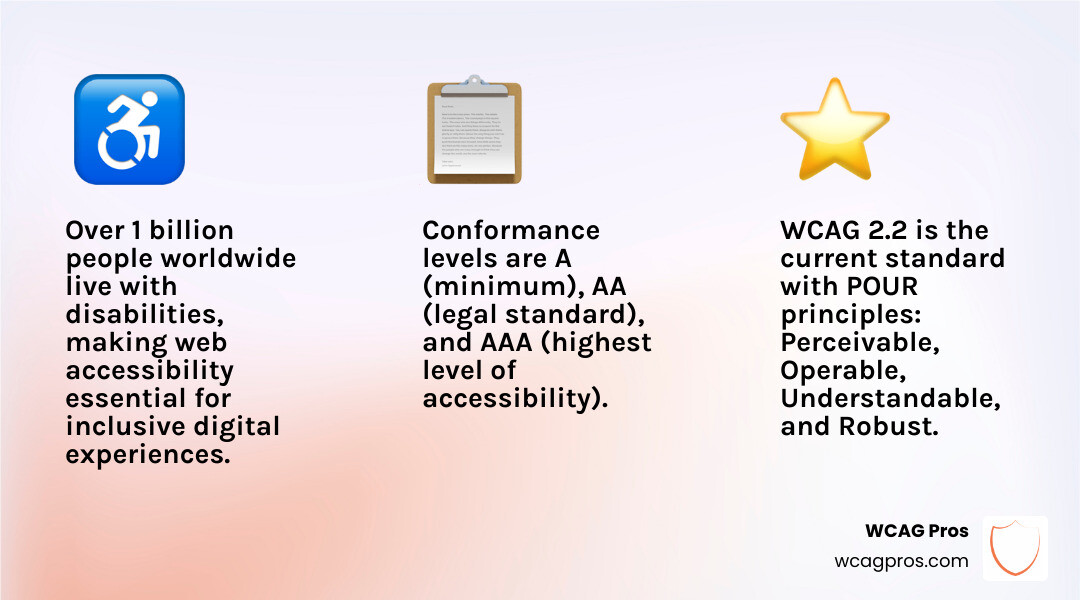
The w3c web accessibility guidelines are the global standard for making websites usable by everyone, including the more than one billion people worldwide living with a disability.
Here is a quick summary of what you need to know:
- What they are: The Web Content Accessibility Guidelines (WCAG), published by the World Wide Web Consortium (W3C) through its Web Accessibility Initiative (WAI)
- Current version: WCAG 2.2, a W3C Recommendation since October 2023 and now also the ISO/IEC 40500:2025 standard
- Core structure: Four principles (Perceivable, Operable, Understandable, Robust) with 13 guidelines and testable success criteria
- Conformance levels: A (minimum), AA (the legal standard most laws require), and AAA (highest)
- Who must comply: Businesses, government agencies, and organizations in most countries, under laws like the ADA, Section 508, and the European Accessibility Act
- Next version: WCAG 3.0 is in development but has no official release date as of May 2026
ADA lawsuits targeting inaccessible websites have been rising fast. If your site does not meet WCAG standards, you are exposed to real legal and financial risk, not just a poor user experience.
I’m Matthew Post, co-founder of WCAG Pros and a web developer with over 20 years of experience specializing in w3c web accessibility guidelines, WCAG compliance audits, and hands-on remediation for commercial websites. In this guide, I’ll walk you through everything you need to know to understand, implement, and maintain WCAG conformance without the overwhelm.
W3c web accessibility guidelines helpful reading:
Understanding the Core of W3C Web Accessibility Guidelines
To master the w3c web accessibility guidelines, we first need to understand the organization behind them. The World Wide Web Consortium (W3C) is the international body that develops the protocols and standards for the web. Within the W3C, the Web Accessibility Initiative (WAI) works specifically to ensure that the digital world remains open to everyone.
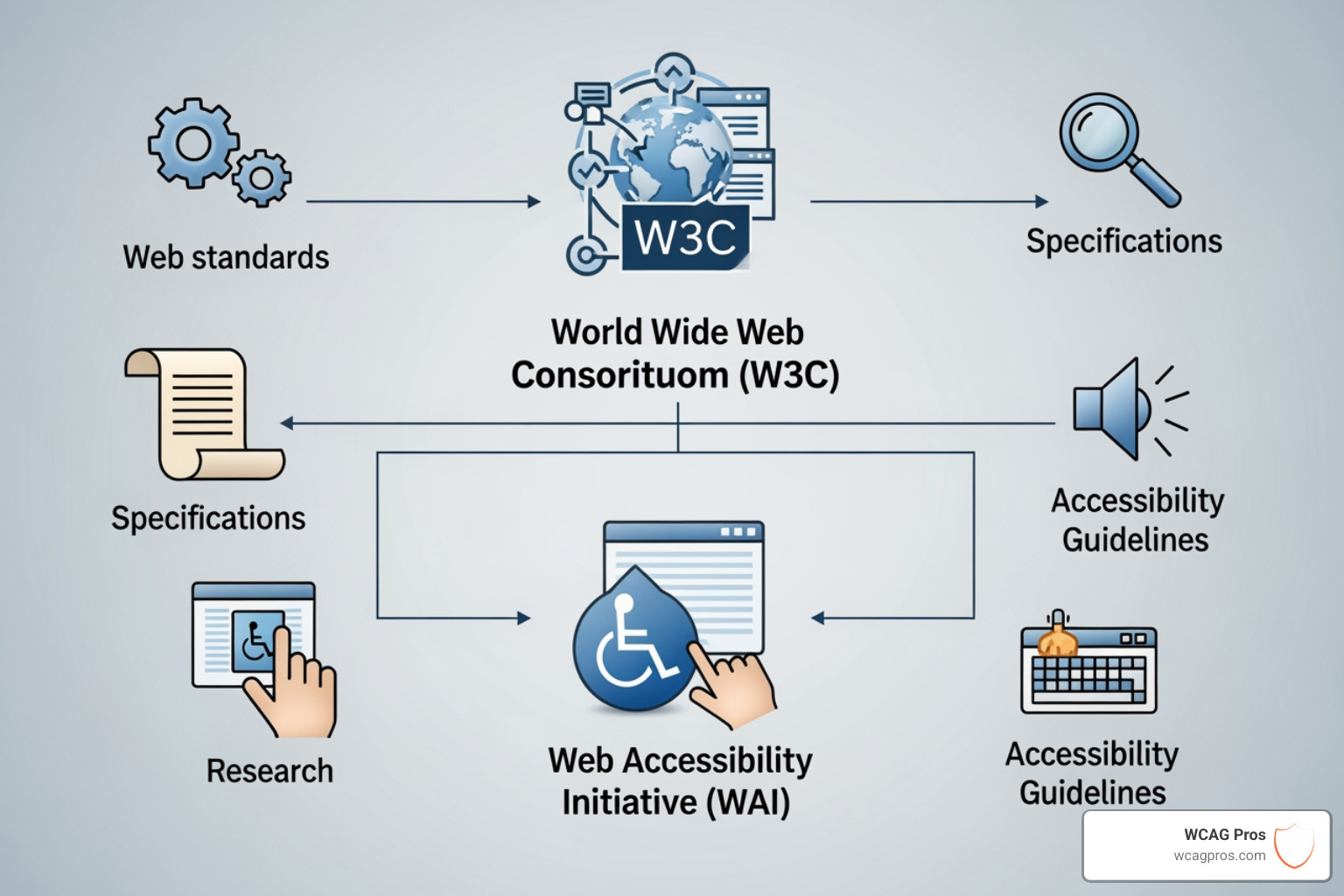
When we talk about the w3c web accessibility guidelines, we are usually referring to WCAG. These are technical standards that provide a single shared benchmark for web content accessibility internationally. This is not just a loose set of suggestions. The WCAG 2 Overview explains how these guidelines are developed through a rigorous consensus process involving individuals and organizations globally.
A major milestone in this journey was the international harmonization of these standards. WCAG 2.0 was adopted as ISO/IEC 40500:2012, and the current WCAG 2.2 has followed suit as ISO/IEC 40500:2025. This means whether you are a developer in Norco CA or a policymaker in Europe, the technical requirements you follow are the same. This global consistency helps us build a web that works everywhere for everyone.
Why W3C Web Accessibility Guidelines Matter for Everyone
We often hear that accessibility is just for a small group of people, but that is a myth. Universal design principles tell us that when we build for the most vulnerable users, we improve the experience for everyone. Think about the last time you watched a video with captions in a noisy office or used a high-contrast screen while outside in the bright California sun. Those are accessibility features in action.
Following the WCAG Guidelines also provides a massive boost to your search engine optimization (SEO). Search engines and screen readers interact with your code in very similar ways. When we use proper headings and text alternatives for images, we are making it easier for Google to index our site and for a blind user to navigate it.
As our population ages, accessibility becomes even more critical. Older users may experience tremors that make mouse use difficult or low vision that requires larger text sizes. By adhering to the w3c web accessibility guidelines, we ensure our digital products remain usable as our users’ needs change over time.
The Evolution of Standards from WCAG 2.2 to WCAG 3.0
The world of web standards never stands still. As of May 2026, the stable standard we use is WCAG 2.2. One of the most important things to know about this version is its backwards compatibility. This means if your content conforms to WCAG 2.2, it automatically satisfies the requirements of WCAG 2.1 and 2.0.
However, there was one rare change in WCAG 2.2. Success Criterion 4.1.1 (Parsing) was officially removed because modern browsers and assistive technologies now handle code parsing so well that this specific rule became obsolete. You can read more about these shifts in our guide on Everything You Need to Know About WCAG Versions and Audits.
The Web Content Accessibility Guidelines (WCAG) 2.2 introduced nine new criteria specifically designed to help users with cognitive disabilities, low vision, and those using mobile devices. These new rules cover things like ensuring touch targets are large enough to hit easily and making sure users do not have to re-enter information they already provided in the same session.
Preparing for the Future with W3C Web Accessibility Guidelines 3.0
While we currently work with version 2.2, the W3C is already hard at work on the next generation. The W3C Accessibility Guidelines (WCAG) 3.0 is currently a Working Draft. It represents a major shift in how we think about accessibility. Instead of just a list of “pass/fail” criteria, WCAG 3.0 uses “outcome statements” and more granular requirements.
This new version aims to address emerging technologies like virtual reality (VR), augmented reality (AR), and the Web of Things. It focuses heavily on functional user needs, looking at how different disabilities impact a person’s ability to use a digital product. It is important to note that WCAG 3.0 will not replace WCAG 2.2 immediately. Both will likely coexist for several years as the industry transitions to the new model.
Mastering the POUR Principles and Conformance Levels
To really understand the w3c web accessibility guidelines, you have to live and breathe the POUR principles. These four pillars are the foundation of everything we do in accessibility.

- Perceivable: Information and user interface components must be presentable to users in ways they can perceive. This means if they cannot see it, they must be able to hear it or feel it through a braille display.
- Operable: Users must be able to operate the interface. If a site requires a mouse but a user can only use a keyboard or voice commands, the site is not operable.
- Understandable: Users must be able to understand the information as well as the operation of the user interface. If your navigation jumps around or your forms are confusing, you are failing this principle.
- Robust: Content must be robust enough that it can be interpreted reliably by a wide variety of user agents, including assistive technologies. This is about future-proofing your code.
You can dive deeper into these concepts by reviewing the Accessibility Principles provided by the WAI.
Navigating Conformance Levels within W3C Web Accessibility Guidelines
WCAG is organized into three levels of conformance. Think of these like a ladder. You have to clear the first rung to get to the second.
| Level | Description | Legal Status |
|---|---|---|
| Level A | The most basic web accessibility features. Without these, the site is impossible for many to use. | Minimum requirement but rarely sufficient on its own. |
| Level AA | Addresses the biggest and most common barriers for people with disabilities. | The global gold standard for legal compliance (ADA, EAA). |
| Level AAA | The highest and most complex level of web accessibility. | Often difficult to achieve for all content; usually reserved for specialized sites. |
For most businesses, Level AA is the target. It is what the Department of Justice and most international laws look for. We discuss this in detail in The Great Debate: WCAG AA vs AAA Explained. If you are just starting your journey, checking out Everything You Need to Know About WCAG 2.1 AA Compliance is a great way to understand the specific hurdles you will need to clear.
Global Legal Requirements and the Impact of ADA Compliance
We cannot talk about the w3c web accessibility guidelines without talking about the law. In the United States, the Americans with Disabilities Act (ADA) requires that businesses offer “effective communication” to people with disabilities. While the ADA was written before the modern web existed, courts have consistently ruled that it applies to websites.
Government agencies and their contractors must also follow Section 508 of the Rehabilitation Act, which points directly to WCAG standards. Across the Atlantic, the European Accessibility Act (EAA) and the EN 301 549 standard also use WCAG as their technical basis. You can find a full list of these regulations in the W3C Accessibility Standards Overview.
At its heart, this is a human rights issue. The UN Convention on the Rights of Persons with Disabilities defines access to information as a basic human right. By following these guidelines, we are not just avoiding lawsuits. We are ensuring that everyone has an equal seat at the digital table.
Practical Implementation and Testing for WCAG Conformance
Now, let’s get into the weeds of how we actually fix a website. The first step is often dealing with non-text content. Every image that conveys meaning needs a text alternative. This is the core of WCAG 1.1.1 Non-Text Content. If an image is purely decorative, we should hide it from screen readers so we don’t clutter their experience.
Keyboard accessibility is another big win. Every button, link, and form field on your site must be reachable and usable using only the ‘Tab’ and ‘Enter’ keys. We also need a visible focus indicator. This is usually a box that appears around the element you are currently on. Without it, a keyboard user is essentially navigating in the dark.
Multimedia is another area where many sites fall short. If you have video content, you must provide captions. Our guide on WCAG 1.2.2 Captions (Prerecorded) Explained breaks down exactly how to do this. You might also need audio descriptions for visual information that isn’t captured in the dialogue.
If you want a step-by-step roadmap for your team, we recommend reading How to Pass Your WCAG 2.1 AA Certification with Flying Colors. It covers the most common pitfalls we see during our audits.
Frequently Asked Questions about W3C Web Accessibility Guidelines
What is the current version of the W3C Web Accessibility Guidelines?
As of May 2026, the current stable version is WCAG 2.2. It became an official W3C Recommendation in late 2023. While older versions like Web Content Accessibility Guidelines (WCAG) 2.1 are still referenced in some older contracts, the W3C strongly advises using 2.2 for all new projects to ensure the best possible user experience and future-proofing.
Is WCAG 2.2 required for ADA compliance?
The Department of Justice (DOJ) has not explicitly named a specific version of WCAG in the text of the ADA for private businesses, but they have consistently pointed to WCAG 2.1 and 2.2 Level AA as the standard for “effective communication.” For public sector bodies, the requirements are often more explicit. For example, recent updates for state and local governments specifically mandate WCAG 2.1 Level AA. To be safe, we always recommend aiming for the latest version. This includes meeting requirements like WCAG 1.2.4 Captions (Live) Explained for any live streaming events you host.
How do I test my website for WCAG conformance?
Testing is a three-legged stool. First, you can use automated tools to catch about 30 percent of common errors, like missing alt text or poor color contrast. Second, you need manual auditing by an expert who understands how to use a screen reader and navigate via keyboard. Finally, user testing with people who have actual disabilities provides insights that no tool or expert can match. The W3C provides a framework for this called WCAG-EM (Conformance Evaluation Methodology). During an audit, we look at complex criteria like WCAG 1.2.3 Audio Description or Media Alternative (Prerecorded) Explained to ensure all media is fully accessible.
Conclusion
Mastering the w3c web accessibility guidelines doesn’t have to be a solo mission that leaves you feeling overwhelmed. At WCAG Pros, we specialize in helping businesses navigate this complex landscape with ease. Based in Norco CA, we provide comprehensive ADA website compliance consulting that goes far beyond a simple automated scan.
Our team performs deep, page-by-page audits covering all 54 WCAG A and AA points. We don’t just hand you a list of problems. We provide actual code fixes and offer free re-audits to ensure you earn your compliance badges. Whether you are worried about legal risks or simply want to provide a better experience for your users, we are here to help.
Master your accessibility journey today and let us help you build a more inclusive digital world.
Read more website accessibility articles
Get Help With Your Website
We'll follow up with info about:
- The process
- Cost
- Timeline
We promise to respect your privacy, and never abuse the information you provide. We will not sell or rent your information to any third party.
By submitting this form, you consent to receive SMS messages and/or emails from SEM Dynamics LLC, dba WCAG Pros. To unsubscribe, follow the instructions provided in our communications. Msg & data rates may apply for SMS. Your information is secure and will not be sold to third parties.