
Building Inclusive Digital Products with a Practical Software Accessibility Checklist
Building Inclusive Digital Products with a Practical Software Accessibility Checklist
Core Standards: Comparing WCAG 2.2, Section 508, and EN 301 549
A software accessibility checklist is a structured set of criteria for evaluating digital products against WCAG 2.2 Level A and AA success criteria. It covers perceivable UI components, keyboard operability, understandable interactions, and robust code that works with assistive technology. This checklist helps teams meet global legal obligations and pass strict procurement audits.
Digital accessibility standards have evolved to provide consistent requirements across web applications, native desktop applications, mobile software, and electronic documents. Understanding how these international benchmarks align helps product teams meet global legal obligations and pass strict procurement audits.
The global benchmark for digital product compliance is WCAG. While earlier frameworks relied on older guidelines, modern standards now point directly to the Level A and Level AA criteria of WCAG 2.2. When building a comprehensive testing strategy, teams often consult a comprehensive WCAG accessibility checklist guide alongside authoritative references such as the W3C WCAG guidelines to ensure every technical requirement is addressed.
| Standard / Regulation | Primary Scope | Technical Baseline | Applicability to Software |
|---|---|---|---|
| WCAG 2.0 | Early web content | 61 total success criteria across A, AA, and AAA | Foundational standard, superseded by newer updates |
| WCAG 2.2 | Web applications, SaaS, and cloud platforms | 87 total criteria (56 in scope for Level AA) | Current international benchmark for digital interfaces |
| Revised Section 508 | US Federal agencies and contractors | Maps directly to WCAG Level A and AA standards | Applies to software, authoring tools, and documentation |
| EN 301 549 | European public sector and European Accessibility Act | Harmonized with WCAG Level AA plus Chapter 11 | Applies to web, native applications, and closed software systems |
| ADA Title III | US commercial businesses and public accommodations | Court rulings reference WCAG Level AA conformance | Applies to customer-facing SaaS and commercial web platforms |
Non-Web Software and Documentation Mapping
Software that runs outside standard browser environments must still provide full programmatic access. The IBM Accessibility Checklist established an effective model by tagging requirements for Web, Software, and Documentation to bridge these different environments. Detailed guidance in established accessibility documentation shows how core principles translate directly into desktop platforms and mobile applications.
Under Section 508 Chapter 5 and EN 301 549 Chapter 11, non-web applications must integrate directly with platform accessibility APIs. This includes exposing roles, states, names, and values through native operating system frameworks such as UI Automation on Windows, NSAccessibility on macOS, or the Android Accessibility Framework. Digital documentation, onboarding guides, and help centers must also satisfy the same Level AA requirements to guarantee equal access throughout the entire product lifecycle.
Procurement Requirements and VPAT Documentation
Enterprise B2B buyers and government agencies frequently use accessibility as a formal qualification gate during purchasing reviews. Vendors who cannot verify their accessibility posture risk disqualification before technical evaluations even begin.
To satisfy these procurement reviews, software vendors must complete a Voluntary Product Accessibility Template to generate an Accessibility Conformance Report. If you want to demystify this documentation process, review our guide to VPATs and ACRs to see how audit data converts into clear compliance reporting.
The Comprehensive Software Accessibility Checklist for SaaS Applications
To build a reliable product, development teams need a structured checklist covering all 56 Level AA success criteria of WCAG 2.2. To keep your team aligned across sprints, you can also download print-ready WCAG checklist resources for easy reference during backlog grooming and design reviews.
Perceivable UI Components: Contrast, Reflow, and Media
The Perceivable principle ensures that information and interface components are presented in ways users can perceive through sight, hearing, or touch:
- Maintain a color contrast ratio of at least 4.5:1 for standard text and 3:1 for large text (18pt or 14pt bold).
- Ensure active user interface components and graphical objects meet a 3:1 non-text contrast ratio against adjacent backgrounds.
- Avoid using color as the only visual cue to communicate status, errors, or required fields.
- Allow users to resize text up to 200% using browser zoom without breaking layout structure or losing content.
- Ensure the interface reflows smoothly down to a width of 320 CSS pixels without requiring horizontal scrolling.
- Provide accurate alt text for meaningful images and use empty alt attributes for purely decorative elements.
- Offer synchronized captions and descriptive transcripts for all recorded multimedia content.
Operable Workflows in the Software Accessibility Checklist
The Operable principle guarantees that all interface controls and navigation flows can be operated without friction across standard workflows:
- Ensure every interactive feature can be operated using only a keyboard.
- Prevent keyboard focus traps by ensuring users can navigate into and out of dynamic components using standard keys.
- Provide a clear, high-contrast visual focus indicator on every interactive component.
- Ensure focus moves in a logical, predictable reading sequence through forms and menus.
- Provide a skip link at the top of the page so keyboard users can bypass repetitive navigation bars.
- Ensure touch targets measure at least 24 by 24 CSS pixels or provide sufficient spacing from adjacent controls.
- Provide single-pointer alternatives for features that require complex multipoint or path-based dragging gestures.
Understandable and Robust Interactions in the Software Accessibility Checklist
The Understandable and Robust principles ensure that content is easy to comprehend and compatible with diverse assistive technologies. Incorporating actionable a11y checklist tips into your daily workflow makes meeting these requirements straightforward:
- Define the primary language of the page using the lang attribute on the HTML element.
- Ensure interface components with identical functionality are identified consistently across the product.
- Provide accessible authentication methods that do not rely on cognitive function tests such as memorizing passwords or solving puzzles.
- Prevent redundant data entry by auto-populating previously entered information in multi-step workflows.
- Provide clear, descriptive error notifications that explain how to resolve invalid input.
- Use valid, semantic HTML elements to ensure assistive technology can parse content reliably.
- Assign correct ARIA roles, states, and properties to custom widgets, ensuring all interactive controls expose a programmatic name, role, and value.
- Announce dynamic interface updates and status messages to screen readers using polite ARIA live regions.
Common Software Accessibility Failures and How to Fix Them
Modern SaaS interfaces rely on dynamic JavaScript components that frequently introduce accessibility barriers when standard HTML elements are replaced by custom code. Comparing your components against a website accessibility testing checklist for 2026 helps identify and resolve these common implementation gaps.
Complex Dashboards and Data Visualizations
Data dashboards often fail accessibility checks when charts rely solely on visual color coding or when data tables omit programmatic structural markup.
When rendering tabular information, always use semantic table elements with explicit header cells linked using scope attributes. For interactive SVG charts and canvas visualizations, provide accessible fallback tables or detailed text summaries that screen readers can easily parse. When metrics update dynamically in the background, use polite live regions so screen reader users receive timely notifications without interrupting their active workflow.
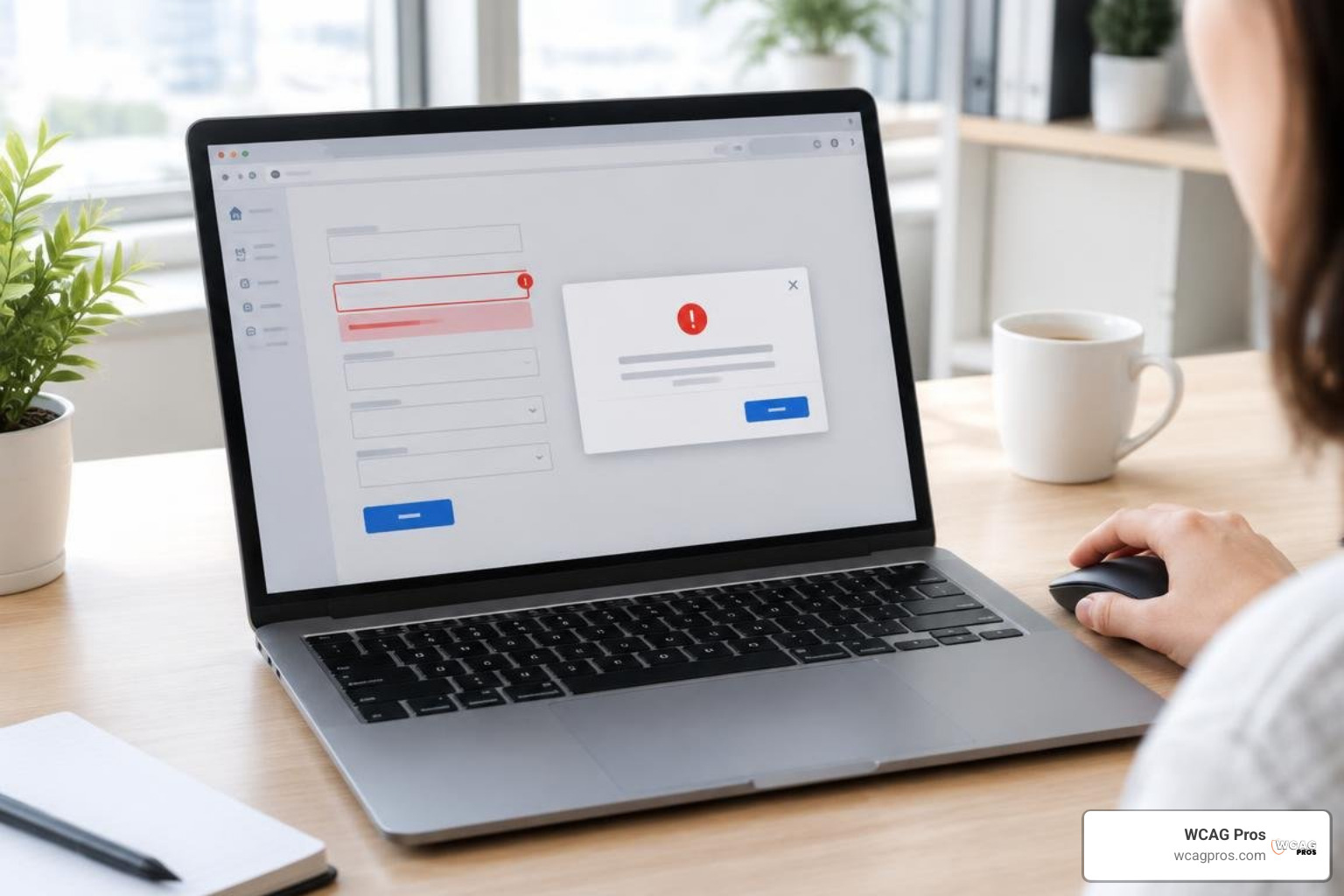
Form Validation, Dynamic Modals, and Popups
Dynamic forms and modal dialogs are common sources of critical compliance defects:
- Associate form fields directly with visible label elements using matching id and for attributes.
- When an error occurs, set the aria-invalid attribute to true and link the input to its error message using aria-describedby.
- Group related form controls like radio buttons and checkboxes within a fieldset element labeled by a legend.
- When a modal dialog opens, move keyboard focus directly into the dialog container and trap focus within the active modal until it is dismissed.
- Ensure pressing the Escape key closes the modal and returns keyboard focus cleanly to the trigger button that launched it.

Software Accessibility Audit Workflow: Tools, Testing, and Remediation
Evaluating complex software requires a balanced testing methodology combining automated scanning with thorough manual validation. Integrating automated a11y testing strategies into your CI/CD pipeline helps catch regressions before code reaches production environments.
Automated Scanners vs. Manual Assistive Technology Testing
Automated tools such as axe DevTools, WAVE, and Lighthouse provide fast feedback and catch structural errors like missing alt attributes or invalid contrast ratios. However, automated testing only identifies roughly 30 to 40 percent of total accessibility issues.
The remaining 60 to 70 percent of potential barriers require manual evaluation. Manual testing confirms whether focus order is intuitive, whether dynamic modals trap focus properly, and whether screen readers like NVDA, JAWS, or VoiceOver announce component states clearly.
The Remediation Priority Matrix: Categorizing and Tracking Defects
To manage remediation efficiently across engineering sprints, categorize issues into four structured priority tiers:
- Tier 1 (Blocking): Critical barriers that prevent keyboard or screen reader users from completing core user tasks, such as severe keyboard focus traps or unlabelled submission buttons.
- Tier 2 (Major): High-impact issues that make tasks difficult, including missing form validation announcements, broken modal focus handling, or severe color contrast failures.
- Tier 3 (Important): Significant defects with functional workarounds, such as missing skip links, suboptimal heading hierarchies, or minor touch target size violations.
- Tier 4 (Polish): Minor cosmetic or structural enhancements, such as missing landmark regions or subtle text spacing adjustments.
Frequently Asked Questions About Software Accessibility
What is the difference between WCAG 2.2 Level A and Level AA for SaaS products?
Level A establishes minimum baseline criteria necessary for basic interface interaction. Level AA incorporates all Level A standards plus additional criteria addressing contrast, text resizing, reflow, and error prevention. Level AA is the recognized global standard referenced in corporate procurement, ADA Title III legal proceedings, and international accessibility regulations.
How do automated tools fit into a software accessibility checklist?
Automated testing tools catch common structural defects early in development sprints. However, automated testing cannot verify context, keyboard logic, or screen reader performance. An effective testing strategy combines automated CI/CD checks with manual keyboard reviews and assistive technology verification.
Which federal and international standards require a software accessibility checklist?
Key legal frameworks include Section 508 of the Rehabilitation Act for US federal procurement, ADA Title III for public accommodations and commercial software, and EN 301 549 supporting the European Accessibility Act across EU member states.
Conclusion
Delivering accessible software requires treating digital inclusion as an ongoing engineering discipline rather than a one-time audit check. By applying this checklist across design reviews, automated test pipelines, and QA workflows, product teams can build robust software that welcomes every user and sails through strict procurement reviews.
Our team at WCAG Pros helps SaaS platforms, enterprise applications, and digital teams achieve full compliance. We deliver comprehensive page-by-page audits covering all 54 WCAG A and AA points, complete with code fixes and free re-audits for compliance verification. Explore our professional WCAG remediation services to partner with our specialists and build accessible digital experiences with confidence.
Read more website accessibility articles
Get Help With Your Website
We'll follow up with info about:
- The process
- Cost
- Timeline
We promise to respect your privacy, and never abuse the information you provide. We will not sell or rent your information to any third party.
By submitting this form, you consent to receive SMS messages and/or emails from SEM Dynamics LLC, dba WCAG Pros. To unsubscribe, follow the instructions provided in our communications. Msg & data rates may apply for SMS. Your information is secure and will not be sold to third parties.