
Plan Your WCAG 2.2 Remediation Budget With Confidence
How to Plan Your WCAG Remediation Cost
WCAG remediation cost depends on what needs fixing, not just how many pages your site has. To compare quotes, start with a manual WCAG 2.2 audit. Then ask each provider to price code fixes, validation, and ongoing maintenance separately. A fix to a shared template may improve many pages at once, while a custom checkout or form may need more work.
I’m Matthew Post, co-founder of WCAG Pros. After more than 20 years in web development and hands-on work with accessibility audits and fixes, I help businesses understand what drives WCAG remediation cost and plan work they can verify.
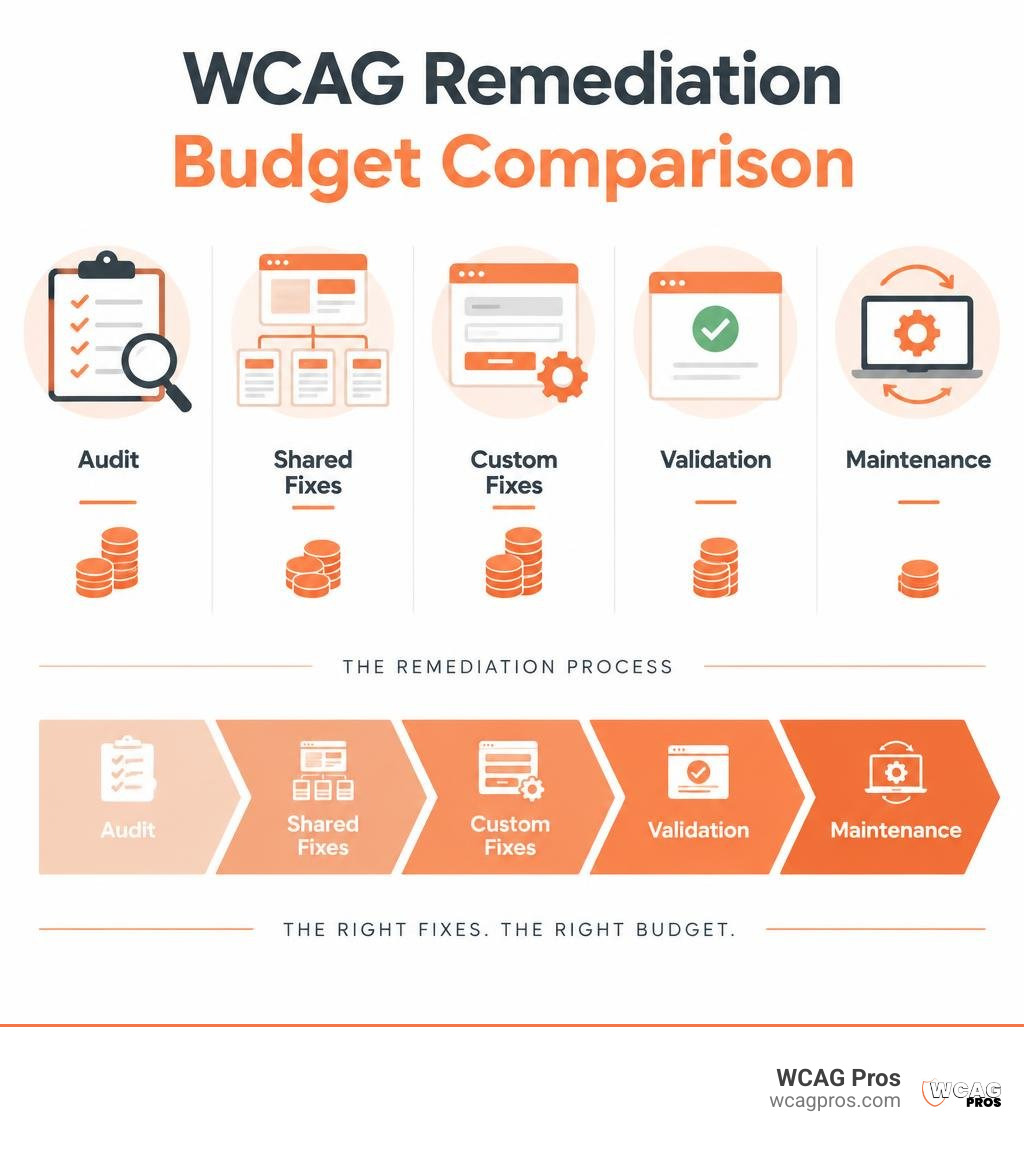
Simple WCAG remediation cost glossary:
WCAG remediation cost: Typical Prices by Project Size
Most buyers want one number. Honest providers cannot give one until they have seen the findings. Still, published ranges help you spot a quote that is far too low or far too high. Every range below assumes a conformance target of WCAG 2.2 AA and a quote that follows an audit. Without an audit, any quote is a guess.
| Project type | Typical scope | Typical cost |
|---|---|---|
| Small marketing site | 10 to 50 mostly static pages | $5,000 to $25,000 |
| Medium business or ecommerce site | 50 to 500 pages, forms, product pages | $20,000 to $100,000 |
| Complex ecommerce or SaaS | Hundreds to thousands of pages | Well into six figures |
| Enterprise applications | Many views, custom components | Often seven figures over time |
Treat these as planning ranges. Your real quote depends on the findings.
Typical WCAG remediation cost per page and project
When an accessibility specialist does the work, WCAG 2.2 AA remediation commonly runs $250 to $550 per page or screen. Pricing is quoted per unique template, layout, or view, because each one needs its own attention. For a 10-page website, that approach produces a budget of roughly $2,500 to $5,500 for fixes, with the audit and validation added on top.

Smaller sites can land lower. A small business site with a contact form is a modest job. A booking flow, member portal, or checkout is not, because every state of the user journey must be tested and fixed.
How WCAG remediation cost changes with the scope
Scope is where budgets move most. Keep these factors in mind:
- Unique templates: A 60-page site often has about six templates. Counting templates rather than URLs keeps scope honest.
- User flows: WCAG requires every page in a multi-step process to conform. A checkout with five steps counts as five pages of work.
- WCAG 2.2 AA: This adds a few criteria beyond the older version. A site already fixed to the previous level may only need a smaller delta pass.
- Sample-based estimates: IBM’s costing model, as used in a UsableNet calculator, puts the average fix for five sample pages at $5,000 to $20,000, depending on complexity.
- In-house or agency: In-house teams save on vendor fees, but they spend staff hours, training time, and testing time. Agencies bring speed and WCAG experience.
For ideas on stretching a budget, see our guide to budget-friendly remediation fixes.
What Drives a WCAG Remediation Quote
Raw error counts are a symptom, not the main cost driver. These factors matter more:
- Shared components: One fix can serve many pages.
- Issue density and technical debt: Two sites that look identical can differ by a factor of ten in cost because of what sits under the surface.
- Custom widgets: Date pickers, drag-and-drop builders, and custom menus must rebuild roles, states, focus, and keyboard support.
- CMS and framework limits: Locked templates make fixes harder.
- Ecommerce and third-party tools: Payment frames, chat, booking, and video players may be outside your control, which means vendor time rather than developer hours.
- Logged-in flows: Areas behind a login must be tested too.
- Content updates: Alt text, link text, and headings written in a CMS cost editor time for each instance.
- Manual testing: Keyboard and screen reader checks take human hours.
Shared fixes versus one-off fixes
A missing label in a form component used on 200 pages is one fix. The same label hand-written into 200 CMS pages is 200 fixes. In one test of online shops, a footer contrast error counted 100 times in raw scan results but needed only one line of CSS. A site with 4,000 flagged issues from three templates can be cheap to fix. A site with 40 issues in a custom date picker, payment frame, and builder can be expensive.
WebAIM’s analysis found that six error types account for 96% of detected errors on home pages, and most live in shared code such as buttons, form components, and color tokens. This is why per-page estimates alone can mislead you. Ask providers to group findings by root cause.

How to scope the work before requesting a quote
You can size the work in an afternoon:
- Pick five to eight key journeys, such as home, a content or product page, search, signup, login, and checkout.
- Run a free automated scan, including logged-in steps, and group results by template or component.
- Tab through the main journey with no mouse, then try a screen reader such as NVDA or VoiceOver.
- List every custom widget and every third-party tool.
- Take a content inventory of images, PDFs, and videos that need editor attention.
Bring those notes to your provider. Our guide to website remediation planning shows how to turn audit gaps into a fix order.
Why an Accessibility Audit Comes Before Remediation
Automated scanners find only part of the problem. Estimates range from about 25% of issues to 57% by volume, depending on how you count. They miss focus management, screen reader behavior in custom widgets, and logical keyboard order, and those are often the costliest fixes. WebAIM’s yearly WebAIM Million analysis found detectable failures on 95.9% of top home pages, about 56 errors per page. Scans show the surface. A manual audit shows the work.
A proper complete WCAG website audit tests against each success criterion and records the issue location, steps to reproduce, severity, and the recommended fix. That report becomes the work order for remediation, so your quote can be based on facts.
Audit costs versus remediation costs
Audits are usually the smaller line item:
- Small sites: about $1,000 to $3,000
- Mid-size sites: about $5,000 to $20,000
- Enterprise audits: $20,000 to $50,000 or more
- Published per-page audit rates: roughly $100 to $350
Auditing templates instead of every URL keeps these numbers down. Remediation usually costs more than the audit, so budget for both from the start. Many projects stall because only the audit was funded. Also ask whether a retest is included. Vendors that charge for it separately may bill up to half the audit fee.
What to request in an audit-based quote
Ask every provider to put the following in writing:
- The scope, including templates, flows, and devices
- A WCAG 2.2 AA target
- Separate line items for audit, fixes, validation, and maintenance
- Validation against the original findings
- Exclusions, such as third-party tools or PDFs
- A timeline
- How issues will be prioritized
A quote that blends everything into one number is hard to compare.
Compare Remediation Options and Related Costs
| Option | Cost and effort | Scope | Limitations |
|---|---|---|---|
| Code-level remediation by specialists | Higher upfront, lowest long-term cost | Fixes source code and content | Needs an audit first |
| DIY with free tools | Staff time, training | Catches automated issues | Misses manual-only problems |
| Specialist support for in-house team | Hourly guidance plus staff time | Developers fix, experts verify | Needs capable developers |
Code-level fixes are the only spend that keeps paying off, because the fixes live in your site. A DIY first pass is useful for catching contrast, alt text, and label problems. For legal responses or procurement, you will want an independent audit. Many mid-size organizations use a hybrid model, with an internal champion and occasional specialists. Outsourced specialists tend to move faster because they already know what WCAG 2.2 AA requires.
Our overview of website remediation services explains what code-level work includes.
Budget for Validation, Maintenance, Documentation, and Risk
Fixing is not the finish line. Plan for these items:
- Post-fix validation: A second evaluation confirms fixes against the original audit, usually at a fraction of the audit fee.
- Regression testing: Automated checks in your release process catch broken labels and contrast early.
- Release checks and annual audits: Run a lighter check at major releases and a full audit about once a year.
- Accessibility statement: Write it and provide a way to report barriers.
For help planning the yearly cycle, read about ongoing ADA audit planning.
Ongoing maintenance and VPAT or ACR costs
A site fixed in March can drift out of conformance by fall as new content and plugin updates arrive. Budget for monitoring, retesting, and editor training. Teams that treat the first fix as the large investment and later releases as maintenance spend the least.
A VPAT filled out for a product is called an Accessibility Conformance Report. Most vendors require a current audit first, then add a modest fee for the report. A standalone report can cost $1,000 to $3,000. Only buy one when a buyer or procurement team asks for it. Validation evidence is what supports the claims inside it.
Tax credits and the cost of delaying remediation
Eligible small businesses may claim the Disabled Access Credit on IRS Form 8826. It covers 50% of eligible access expenditures between $250 and $10,250 in a tax year, for a maximum credit of $5,000 a year. Eligibility generally applies to businesses with $1 million or less in gross receipts or 30 or fewer full-time employees. Keep audit reports and invoices, and confirm details with a tax professional. The IRS Form 8826 information page explains the form.
Delay can cost more than action. UsableNet counted 5,114 digital accessibility lawsuits in 2025, and Seyfarth Shaw counted 3,117 federal website cases, up 27% from 2024. Typical ADA Title III settlements run $20,000 to $250,000 or more, before legal fees. In California, the Unruh Act can add statutory damages per violation. After a demand letter you still have to fix the site, but on a deadline. Read more about the costs of ignoring accessibility.
Frequently Asked Questions About WCAG Remediation Costs
Is remediation usually more expensive than an audit?
Usually yes. The audit scope is limited to representative templates and flows, while remediation depends on how many findings exist and where they live. Template reuse can shrink the fix bill, and validation adds a smaller final line item.
How much should a small business budget for remediation?
It depends on site size, complexity, and baseline. A brochure site with a form is a small job, while booking, portal, or checkout features raise the cost. Plan for an audit, implementation, validation, and a small recurring maintenance amount. An audit-backed estimate tells you more than any rule of thumb.
Can accessibility remediation costs qualify for a tax credit?
Possibly. The Disabled Access Credit on IRS Form 8826 can offset part of eligible expenses for qualifying small businesses. Eligibility rules apply, so check with a tax professional before filing.
Conclusion
Budget by scope, not by page count alone. Start with an audit-backed estimate, fix shared code first, validate the results, and set aside funds for maintenance. Code-level remediation protects you far better than a quick patch.
At WCAG Pros, we audit page by page against the WCAG standard, apply code fixes, and offer free re-audits toward compliance badges. If you want a clear plan, explore our WCAG remediation services and let us help you build a budget you can trust.
Read more website accessibility articles
Get Help With Your Website
We'll follow up with info about:
- The process
- Cost
- Timeline
We promise to respect your privacy, and never abuse the information you provide. We will not sell or rent your information to any third party.
By submitting this form, you consent to receive SMS messages and/or emails from SEM Dynamics LLC, dba WCAG Pros. To unsubscribe, follow the instructions provided in our communications. Msg & data rates may apply for SMS. Your information is secure and will not be sold to third parties.